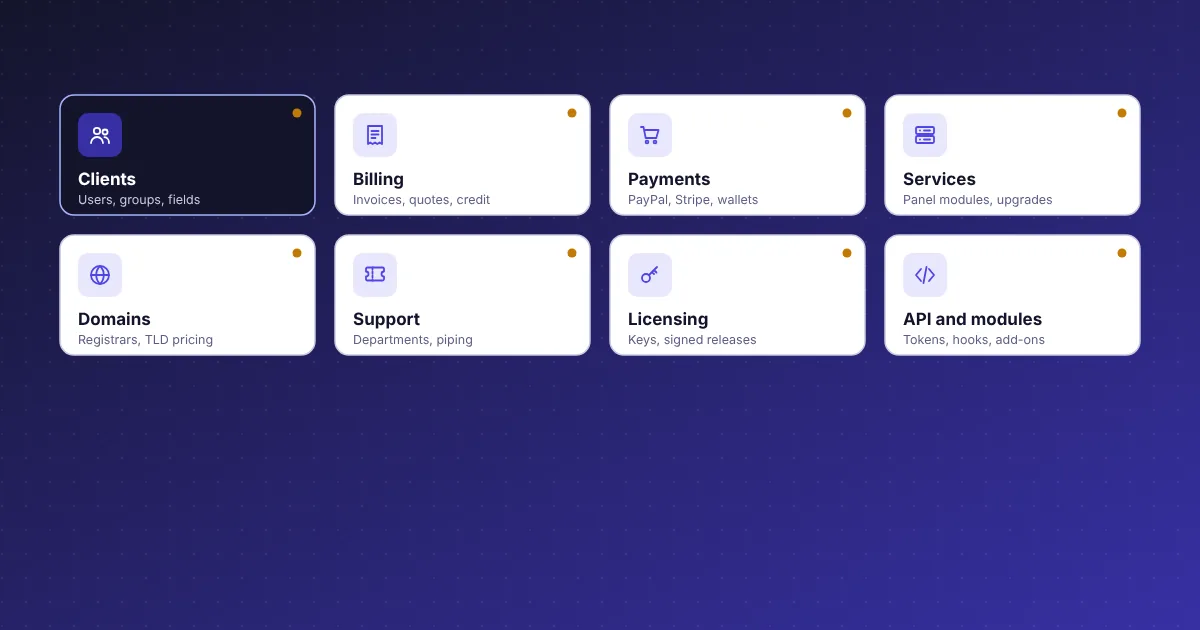
Client management features for hosting providers
In CoreInto a client is the account that is billed, and a user is a person who signs in. One client can have several users, invited by email and given their own permissions, and one user can work in several accounts and switch between them. That suits agencies with a billing contact and a technical contact, or companies where a reseller manages accounts for their own customers.
The client page gathers everything in one place: services, domains, invoices, tickets, credit balance, notes, uploaded files, email history and the activity log. Staff can sign in as the client to see exactly what they see. Client groups set pricing or behaviour for a set of clients, and custom client fields collect whatever extra detail your business needs, with a choice of which fields clients may see.
Currency can be chosen by GeoIP from the visitor's country, so a visitor from Pakistan sees rupees and a visitor from Germany sees euros before they sign in. Mass messages go to a filtered set of clients, and the marketing opt-in is recorded per client. Banned IPs and banned email domains keep known abusers out of the store.
Product catalogue with configurable options and bundles
The catalogue is everything you sell and the prices you sell it at. Products sit in groups and come in five kinds: shared hosting, reseller hosting, VPS or server, software licence and other. Each product can have a price for every term from monthly to triennial, a one-time price or no price at all, plus a setup fee, and stock control stops sales when something runs out.
Configurable options let a client pick disk size, a location or an operating system at checkout, with a price for each choice. Add-ons attach extras such as a dedicated IP, and bundles sell several products together. Promotions apply percentage or fixed discounts with codes, and a free domain can be given with a hosting plan. Featured products appear first in the store, and upgrade and downgrade paths say which products a client may move between.
Currencies carry exchange rates and can be assigned per country. Domain pricing is set per TLD for registration, transfer and renewal by number of years, with EPP and ID protection flags. A single store type setting switches the whole catalogue between a hosting provider, with domain search and transfer, and a software seller, with licence wording and no domain pages.
Invoice automation, tax rules and credit balances
Every charge in CoreInto is a line on an invoice, every payment, refund or deposit is a transaction, and every client has a credit balance in their own currency. Invoices are generated ahead of their due dates by the daily automation run, reminders go out on the schedule you set, late fees are added when you enable them, and unpaid services are suspended and later cancelled automatically.
Staff can split or merge invoices, cancel them, download one as a PDF with your logo or export a batch of PDFs at once. Numbering schemes are configurable. Transactions can be reversed and refunds recorded or sent through the gateway. Billable items add one-off charges to the next invoice, quotes can be accepted into orders, and credit and debit notes correct an account without editing history. Disputes track a chargeback from the gateway.
Tax configuration applies rates by country and state, inclusive or exclusive of the listed price, and prints a tax ID label of your choosing on invoices. Renewal dates and proration are handled so a change made mid-term charges the right fraction. Mass pay lets a client settle several invoices with one payment, and add funds tops up the credit balance that pays future invoices. The billing automation page describes each task.
Payment gateway features included in the box
Five gateways are built in. Manual payment covers bank transfer, mobile wallet and cash, with instructions shown to the client and the payment recorded by staff. PayPal and Stripe handle cards and wallets for most countries, and Stripe adds Apple Pay, Google Pay, saved cards and automatic capture of renewal invoices. JazzCash and Easypaisa serve clients in Pakistan.
Each gateway has its own settings page with a sandbox mode, and the manual asks that sandboxes be tried before real payments, because the modules were implemented against the providers' documentation. The gateway log records every answer a provider sends and how it became a payment, which makes a mismatch easy to trace. Card expiry notices warn clients before a saved card stops working.
Gateways can be staff-only, so a method is available for recording payments but never shown in the client area, and the payment methods offered can be set per client. Refunds can be sent back through PayPal or Stripe rather than recorded by hand. More gateways, including Authorize.net, 2Checkout, Skrill, WorldPay, PayFast, Perfect Money and crypto providers, are planned for a later update. The payment gateways page has the setup detail for each.
Server modules and the life of a service
Servers are listed under Settings with their module, credentials and group. The cPanel & WHM module uses a WHM API 1 token on port 2087 and the intoPanel module uses /api/v1 with a Bearer token on port 7443. From a service page staff can test the connection, read packages, create, suspend with a reason, unsuspend, terminate, change package, change password, read disk and bandwidth, and sign in to the panel.
Set-up can be automatic on order, on payment or on acceptance, or left for staff. Fixed terms, upgrades and downgrades, cancellation requests and service add-ons are all part of a service's record, and the client's service pages show the same information with the actions you allow. Actions that fail or are deferred sit in Utilities, Pending Module Actions until they complete, and the module log hides secrets.
A product that does not need a server can use the Licensing Manager module instead and issue a licence key. Automation tasks that touch services run from the same cron job as billing: suspension after the grace you set, termination later, and the renewal invoice ahead of the due date. The hosting automation page follows one service from order to termination.
Domain reseller features with registrar modules
CoreInto sells registrations, transfers and renewals and keeps each domain's dates, status and nameservers. Registrar modules for ResellerClub, Namecheap, Spaceship, Porkbun and Dynadot were built against the public APIs and do the registrar-side work; the manual recommends a test account before real orders. A PKNIC module for .pk domains is sold separately and works the SRS member dashboard. Registrars without an API get a staff task so the order is completed by hand and marked done.
TLD rules decide which extensions can be registered, transferred or renewed and for how many years. Existing domains can be brought in and matched to clients. Nameservers, transfer lock, contacts and EPP codes are managed from the domain page by staff and, where allowed, by the client. A sync task refreshes expiry dates and statuses from the registrar.
Renewal notices go out before expiry and renewal invoices follow the same automation as hosting. The store's domain search checks availability, and WHOIS lookups are available. In the client area, My Domains shows active domains, those expiring within 30 days and pending ones. The domain reseller billing page covers pricing per TLD and the free domain promotion.
Ticket desk, knowledgebase and announcements
Support departments each have a mailbox, and tickets reach them from the client area, from the contact form, from staff and from email through piping or a POP or IMAP mailbox. Staff see a Support Overview and a ticket list with statuses you define. Escalation rules move or flag tickets that wait too long, and spam control keeps junk out of the queue.
Replies can use Markdown and predefined replies. Guest tickets opened by visitors without an account get an access key link so they can follow the thread. The automation run closes idle tickets after a set time and removes old attachments. Tickets also appear on the client page and in the client area, where tiles show open tickets, tickets awaiting the client's reply and closed ones.
Around the ticket desk sit a knowledgebase for articles, announcements for news, a downloads area for files and a network issues page for outages and maintenance. Each shows in the client area. A contact form can be switched on for visitors, with a captcha when set, and a reminder that a ticket is faster. The support desk page lists every setting.
Reports, API and command-line tools for staff
The Reports menu holds 23 reports and a batch invoice PDF. Income, new clients, services, domains, tickets and more are each a table with filters, shown on the page, exported as CSV or printed, and a role decides which reports its staff may open. Utilities add Automation Status, Email Marketer, link tracking, a calendar, a to-do list and the logs: activity, email, module, gateway, API and admin.
The JSON API at /api/v1/ACTION lets your website, control panel or script read and change clients, orders, services, domains, invoices, payments, tickets and more. API credentials carry scopes, allowed addresses and an expiry date, and every call is written to the API log. The developer guide has examples and the reference.
For hosting accounts with shell access, php cli.php adds commands such as licence-set, licence-check, import-whmcs and cron for use when the admin area cannot be reached or an import is large, and tools/release.php signs releases for the Licensing Manager. Add-on modules are switched on under Settings; Gateway Fee and Renewal Pricing are included, PKNIC is sold separately, and the manual documents how a module is built.