Three templates, light and dark#
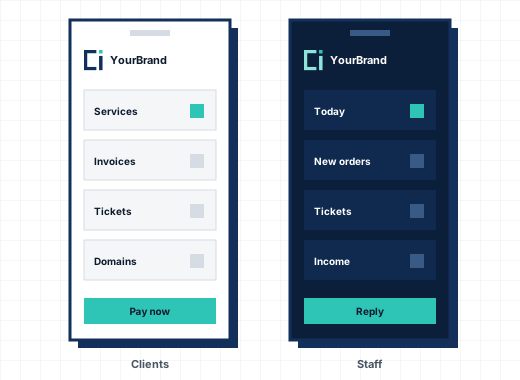
The client area comes in three templates, Studio, Classic and Horizon, each with a light and a dark theme that follows the visitor's device or their own choice. All three have the same pages, features and texts; only the shell around them differs, so switching template loses nothing. Each template is one folder: copy it, rename it, change its pages and styles, and it appears in the settings as your own. Updates never overwrite your folder.
The store#
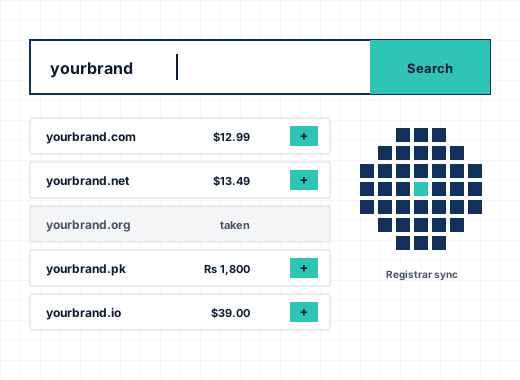
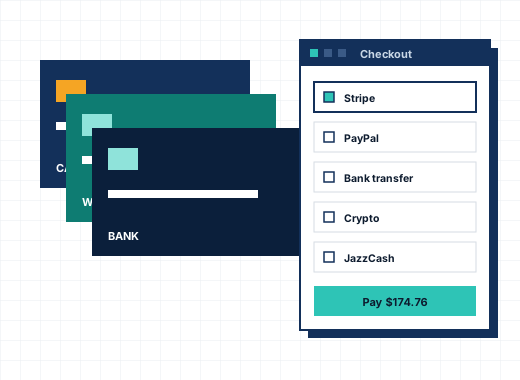
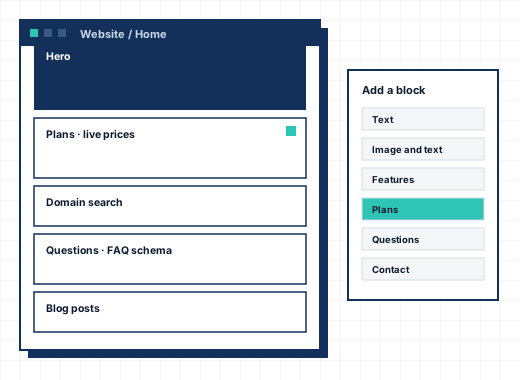
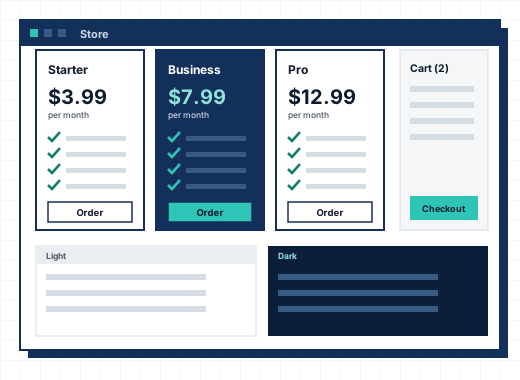
Product groups become store pages with your headings and text. Products show their prices for each billing term, configurable options with their own prices, add-ons and bundles. The domain search checks availability and adds domains to the cart. The cart applies promotions, shows tax for the visitor's country and lets them switch currency. Checkout signs a client in or creates the account, takes payment and places the order.
Everything a client needs#
- Dashboard with services, domains, unpaid invoices and open tickets.
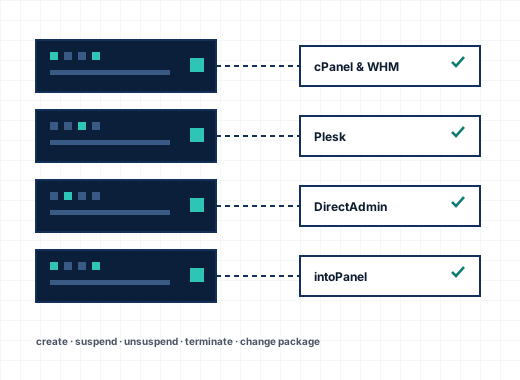
- Services with usage, sign-in to the control panel, upgrades and cancellation requests.
- Domains with nameservers, locks, contacts and EPP codes.
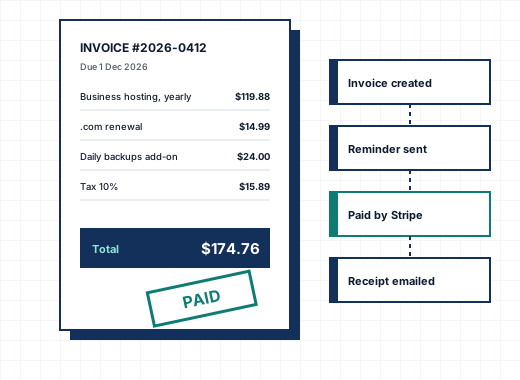
- Billing with invoices, quotes, payment methods, add funds and mass pay.
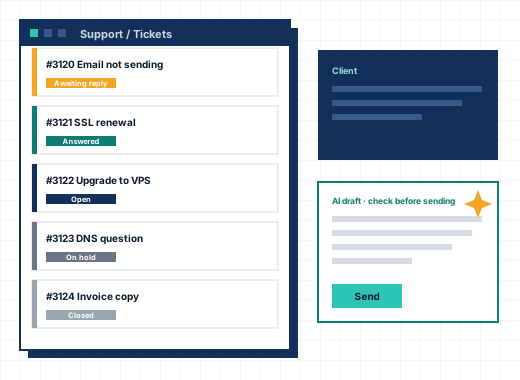
- Support with tickets, the knowledgebase, announcements, downloads and network issues.
- Account with contacts, users and their permissions, security, two-step sign-in and email preferences.
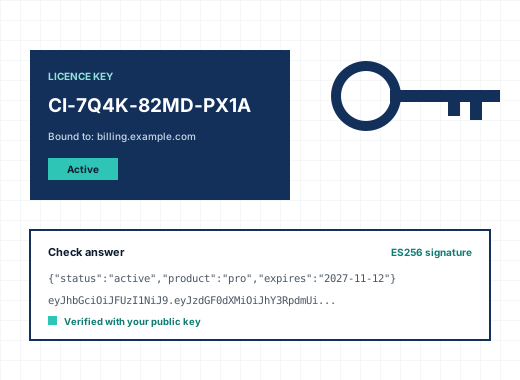
- Affiliates and licences, when you use them.
Users and permissions#
One client account can have several users, each signing in with their own email and password and seeing only what their permissions allow: billing only, support only, or everything. Invitations go out by email. Staff can sign in as a client to see exactly what they see, and that visit is logged.
Twelve languages#
The client area is translated into Arabic, Bengali, Chinese, French, German, Hindi, Indonesian, Portuguese, Russian, Spanish and Urdu as well as English, with right-to-left layout for Arabic and Urdu. Email templates have versions per language. Any other language is added by filling in a template file kept outside CoreInto's own files.
Your brand only#
No CoreInto name appears anywhere your clients look: not in the footer, not on invoices, not in emails. The logo, colours, store text and buttons are settings.
Frequently asked questions
Can I design my own client area?
Yes. Copy a template folder, rename it and change its pages and styles. Your folder is never overwritten by updates.
Does the client area show "Powered by CoreInto"?
No, on no plan. Your client area, invoices and emails carry only your company's name.
Which languages are included?
English, Arabic, Bengali, Chinese, French, German, Hindi, Indonesian, Portuguese, Russian, Spanish and Urdu.