Invoices that make themselves#
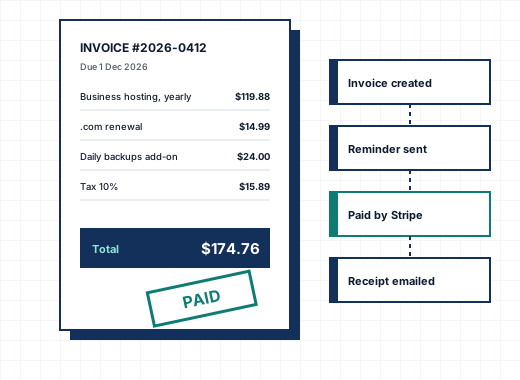
Every service, add-on and domain in CoreInto has a next due date. A set number of days before it, the daily automation creates the invoice, numbers it, applies the client's tax rules and credit, and emails it with a link to pay. When the client pays, the due date moves forward, the receipt goes out and the service carries on. Nobody has to remember anything.
Invoice numbers follow the format you set, with a sequence that can restart each year. Invoices are addressed to the client, or to a billing contact if the client chose one. Separate invoices per service can be forced for clients who need them, and invoices can be split, merged, duplicated, cancelled or printed to PDF from the invoice page.
Reminders, late fees and suspensions#
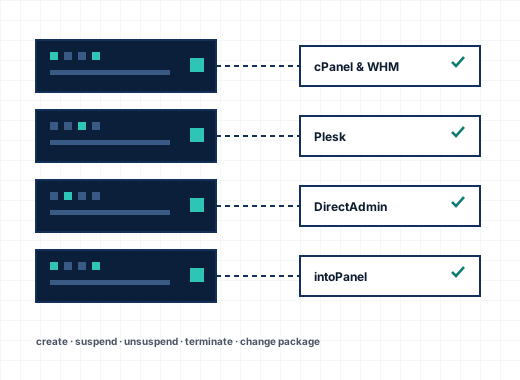
The reminder schedule is yours: a first, second and third overdue notice on the days you choose, and a late fee as a fixed amount or a percentage after a grace period. Clients who should never get a late fee or an overdue notice can be exempted one by one. When an invoice stays unpaid, the automation suspends the service on its server and, later, terminates it, on the days set under Automation Settings. Paying the invoice unsuspends the service on its own.
Tax that matches the law where you sell#
Tax rules are set by country and state, with two levels of tax, compound tax and prices that include or exclude tax. Clients can be marked tax exempt, the tax number field carries the name you choose (such as VAT number), and each product decides whether it is taxed. Tax names and rates are stored on each invoice, so a later change of rules never alters an old invoice.
Credit, add funds and mass pay#
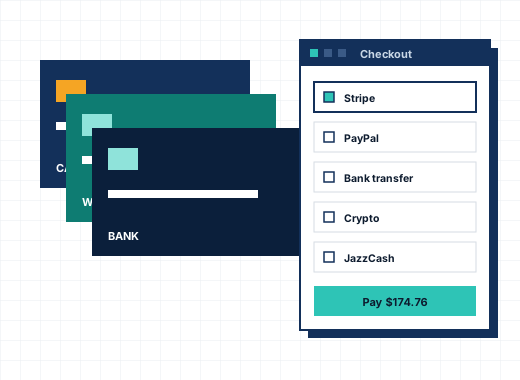
Clients can add funds to their account in advance and pay invoices from credit. Overpayments and refunds can go to credit. Mass pay lets a client pay several invoices in one payment, and CoreInto records each one. Billable items let you charge one-off work, such as a migration or an hour of support, on the next invoice.
Quotes, credit notes, debit notes and disputes#
Quotes are written in the admin area, sent to a client or a prospect, accepted online and turned into an invoice with one click. Credit notes and debit notes adjust a paid invoice without rewriting history, which keeps the books clean for an accountant. Disputes and chargebacks are recorded against the payment so you can see what happened and when.
Prices in several currencies#
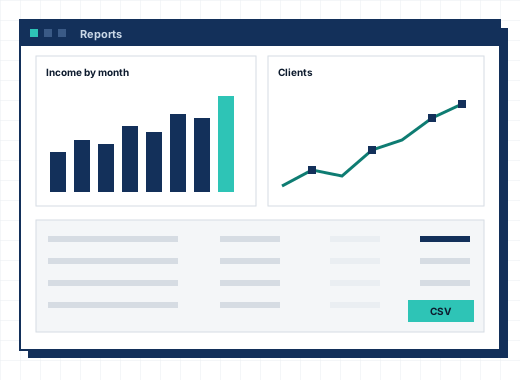
Each client has a currency, chosen by country when they sign up. Prices can be set by hand per currency or filled from exchange rates that update daily. Invoices are always in the client's currency, and reports convert to your default currency for totals.
Proration and renewal dates#
Pro rata products bill every service on one day of the month, charging the share of the first period up to that day. Upgrades and downgrades follow the paths you set for each product, and the Renewal Pricing module, included in every plan, lets a renewal cost differently from the first term.
Frequently asked questions
How far ahead does CoreInto create renewal invoices?
As many days before the due date as you set under Automation Settings, with separate values for services and domains if you want.
Can I charge a late fee?
Yes, as a fixed amount or a percentage, after a grace period you choose. Clients can be exempted individually.
Does CoreInto handle VAT and other taxes?
Yes. Tax rules are set by country and state with two levels, compound tax, prices with or without tax included, and tax-exempt clients.
Can clients pay in advance?
Yes. Clients can add funds to their account and pay invoices from credit, and you can apply credit by hand from the invoice page.