· CoreInto Team · 2 min read
A billing automation checklist for hosting companies
Twelve settings to check so that invoices, reminders, suspensions and renewals run by themselves, without surprising your clients.
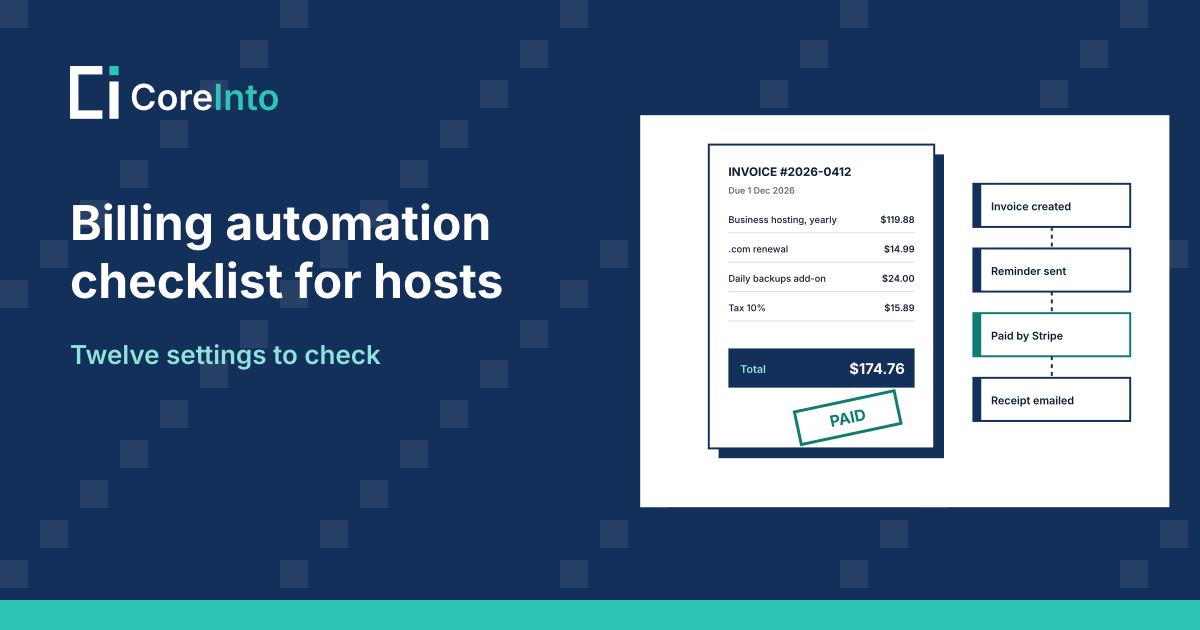
Billing automation is only as good as its settings. A reminder that goes out a day too early annoys good clients; a suspension that never happens costs you money. Here are twelve settings worth checking in any billing system, with where to find them in CoreInto.
1. When renewal invoices are made#
Fourteen days before the due date is a common choice: enough for bank transfers to arrive, not so early that the invoice is forgotten. Yearly services can be invoiced earlier than monthly ones. In CoreInto: Automation Settings, Billing tab.
2. The reminder schedule#
A reminder before the due date, one on the day, and two or three after. Keep the tone friendly in the first ones and firm in the last.
3. Late fees#
A late fee works best as a gentle nudge: a small percentage with a minimum amount, added a few days after the due date. Exempt your oldest clients if you prefer.
4. Suspension#
Suspend after a short grace period, and make sure paying the invoice lifts the suspension by itself. Check the suspension reason that the control panel shows the client.
5. Termination#
Terminate much later than you suspend, and only after a final warning. Termination removes the client's files for good.
6. Tax rules#
Check rules for every country and state you sell to, whether your prices include tax, and that clients can enter a tax number.
7. Currencies#
Show visitors their own currency, update exchange rates daily, and check that rounding looks right.
8. Saved cards and automatic capture#
If your gateway supports it, let clients keep a card and charge renewals on the due date. It removes most late payments.
9. Credit#
Decide whether credit is used on new invoices automatically. Most clients expect it.
10. Domain renewals#
Renew at the registrar when the renewal invoice is paid, and send renewal notices well before expiry.
11. Cancellation requests#
Let clients cancel at the end of the billing period from the client area, and stop invoicing the service at once.
12. A test run every quarter#
Place a test order, let it go overdue on a test client and watch every email, fee and suspension happen. Settings drift; a quarterly test catches it.
CoreInto has all twelve settings in one place, and the billing automation page describes how they work together.